How to run LLM locally
There are so many large language models that you can run it locally, e.g. llama, mixtral.
llama.cpp
The most popular open source LLM framework that support run many LLM locally.
`git clone https://github.com/ggerganov/llama.cpp.git
cd llama.cpp
make
./examples/chat-13B.sh`
Before you can run the examples, you need download the models first.
ollama
Install the ollama first, then run it
`ollama run dolphin-mixtral
pulling manifest
pulling bdb11b0699e0...  84% ▕██████████████████████████████████████████        ▏  22 GB/ 26 GB  6.0 MB/s  11m`
`ollama -h
Large language model runner

Usage:
  ollama [flags]
  ollama [command]

Available Commands:
  serve       Start ollama
  create      Create a model from a Modelfile
  show        Show information for a model
  run         Run a model
  pull        Pull a model from a registry
  push        Push a model to a registry
  list        List models
  cp          Copy a model
  rm          Remove a model
  help        Help about any command`
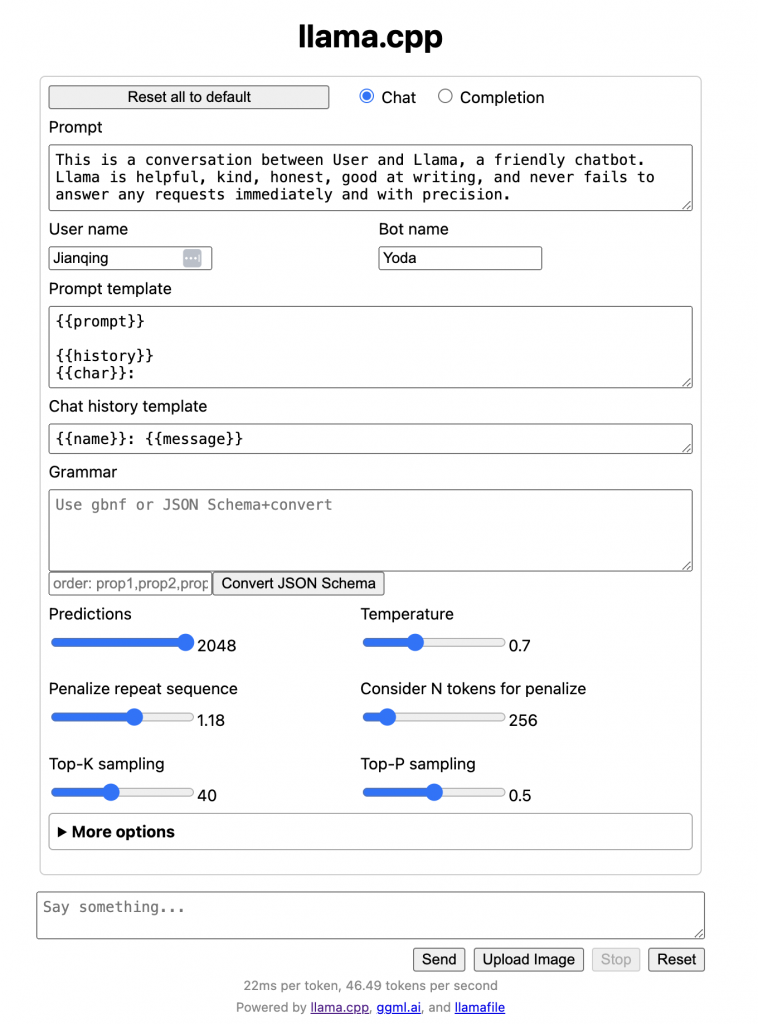
llamafile
One file that include everything, so just download the llamafile, and run it.
` wget -cS https://huggingface.co/jartine/mistral-7b.llamafile/resolve/main/mistral-7b-instruct-v0.1-Q4_K_M-server.llamafile
chmod +x mistral-7b-instruct-v0.1-Q4_K_M-server.llamafile
./mistral-7b-instruct-v0.1-Q4_K_M-server.llamafile`